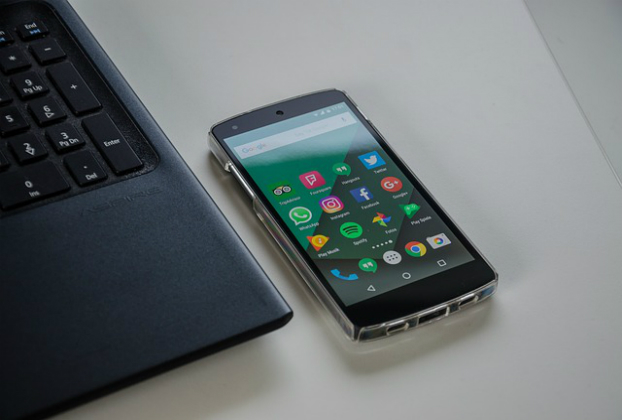

Android Tip: Smart Lock Feature

Android’s Smart Lock feature allows you to set up methods of unlocking your device other than your pattern, PIN, password, or fingerprint. Setting up Smart Lock is pretty straight-forward. Locate Smart Lock option somewhere under Settings -> Security. You’ll be required to enter your password, PIN, or pattern to prove your identity. Next, choose the […]

Continue Reading

Windows Command Prompt Tricks

Enter multiple commands at onceAdding && between commands will let you enter multiple lines at once to be executed in succession. e.g, tasklist && netstat -b List every device driver on your PCThe following command line displays the list of device drivers on your PC driverquery /FO list /v Output results to text file or […]

Continue Reading

JQuery Technique: Parse JSON data

A couple of very simple and intuitive code examples to parse data received in JSON format: var resultJSON = ‘{“FirstName”:”John”,”LastName”:”Doe”,”Email”:”johndoe@johndoe.com”,”Address”:”123 dead drive”}’;var result = $.parseJSON(resultJSON);$.each(result, function(k, v) { //display the key and value pair alert(k + ‘ is ‘ + v);}); Or var obj = $.parseJSON(resultJSON);for (var prop in obj) { alert(prop + ” is […]

Continue Reading

How to Find Your Lost Device?

Losing your smart device can be drastic and painful, specially when you have a collection of sensitive and/or precious data. Financial loss could be tragic, for quite some time. With panic stricken face you may rush here and there in search of it. There’s a strong hope!!!Log in to this page: https://www.google.com/android/find?u=0 from a PC, […]

Continue Reading