
Building a Custom Mail Organizer Agent in HCL Notes

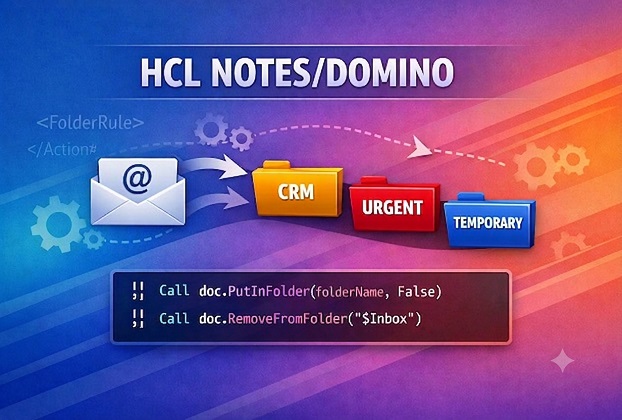
From Tools → Rules to One Click: Building a Custom Mail Organizer Agent in HCL Notes

  The Problem: Drowning in My Own Automation As an IT Pro, I run a lot of automation. Scheduled agents, background jobs, sync processes — code I’ve written over the years that quietly does its job across various databases. Almost all of it has one habit in common: when something happens (good or bad), it […]

Continue Reading
HCLDomino2026

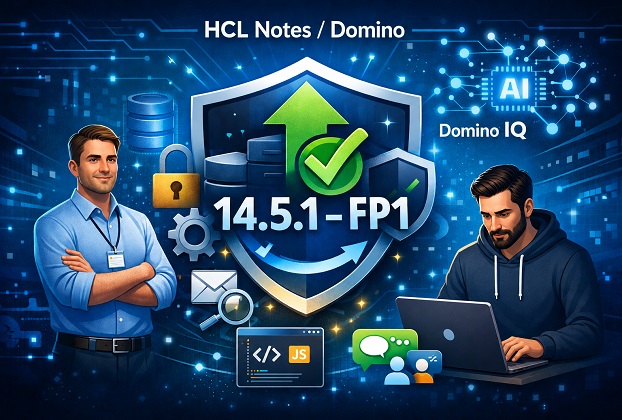
HCL Domino IQ with RAG: Complete Setup Guide

If you’ve been running HCL Notes and Domino for any length of time, you already know the platform has a habit of quietly sitting on years — sometimes decades — of company knowledge. Support tickets, policy documents, contracts, project notes, client history. It’s all in there. The problem has always been finding the right piece […]

Continue Reading
HCL Notes12 FixPack8

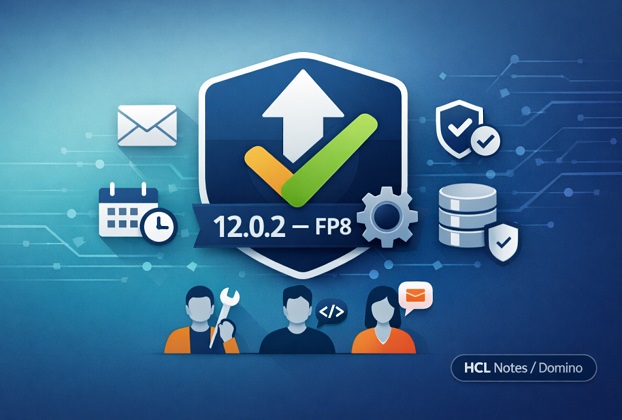
HCL Notes/Domino 12.0.2 Fix Pack 8: What’s New and Should You Upgrade

If you’re running HCL Notes/Domino on the 12.0.2 stream, there’s a fix pack sitting in the HCLSoftware download portal right now that’s worth ten minutes of your attention. HCL released Fix Pack 8 (FP8) for 12.0.2 on May 7, 2026, with language kits following a day later, and it’s not a minor cleanup release. It […]

Continue Reading
database-not-opened-yet

What the “Database Has Not Opened Yet” Error Actually Means in HCL Notes/Domino

If you have ever tried to open a document, run an agent, or replicate a database in HCL Notes (formerly IBM Lotus Notes) and Domino, you have probably run into this exact message: “Database has not opened yet.” It is one of the most common — and most misunderstood — error messages in the entire […]

Continue Reading

Lotus Script Trick: Remove The Duplicate Values From a Profile field in a Profile Document

The following function removes the duplicate values from a profile field, or any multi-value field (FieldName), in a profile document or a regular notes document. Function RemoveDuplicateValue(Source As NotesUiDocument, FieldName As String) Dim Indexresult As Variant Dim UniqueArr As VariantIndexresult=Source.Document.GetItemValue(FieldName) ”Get the field values into arrayUniqueArr= Arrayunique(Indexresult,1) ”Copy array but with unique items only. Call […]

Continue Reading